

No group-chat pileup.
Send the same update as separate Apple Messages texts. Replies return in individual Messages conversations, never in Broadcast Buddy or a group chat.
 Broadcast Buddy
Mass Messages
Broadcast Buddy
Mass Messages
One broadcast is sent as separate Apple Messages texts.
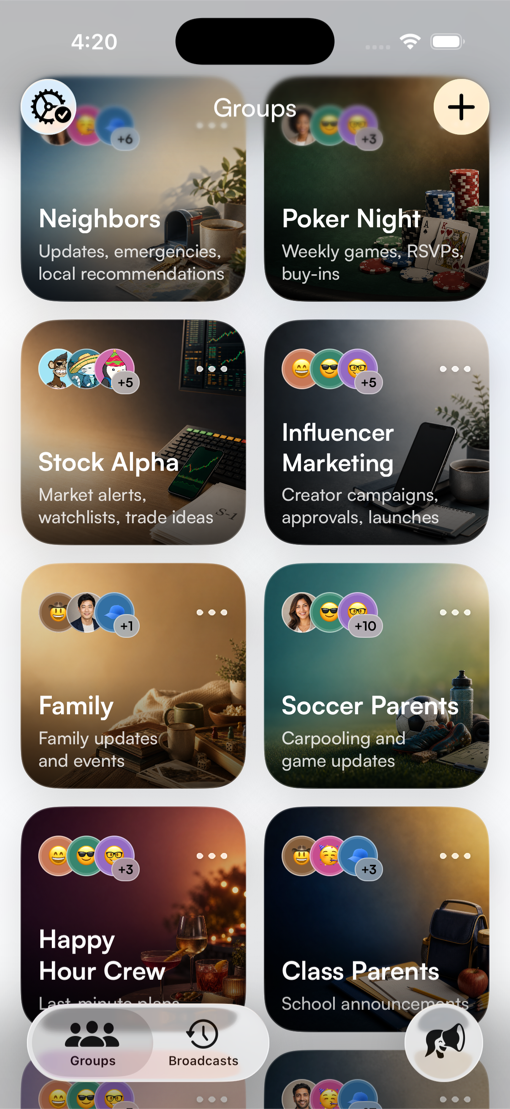
Any circle, any plan, ready when you need it.
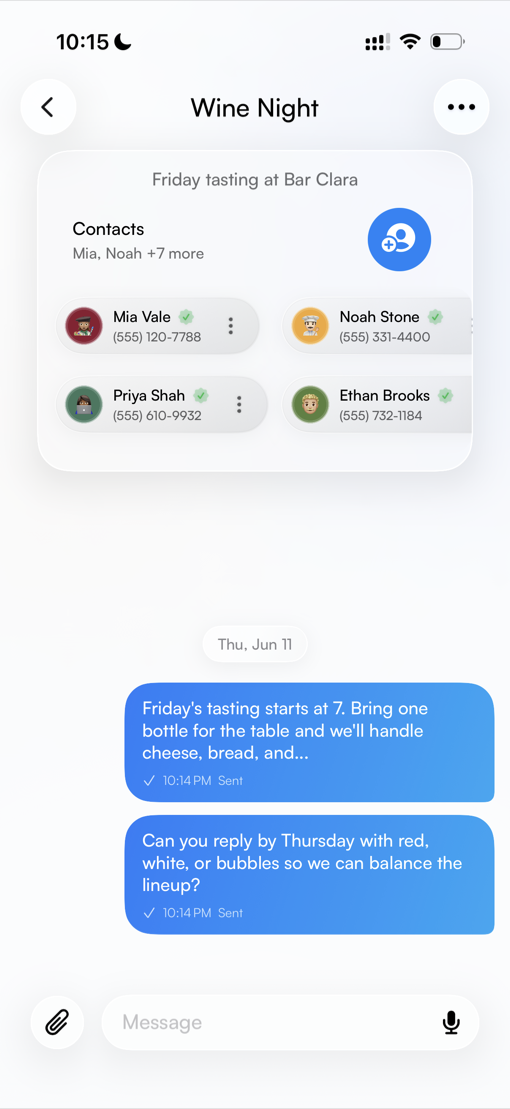
Search, add, or remove contacts while you’re on the go.
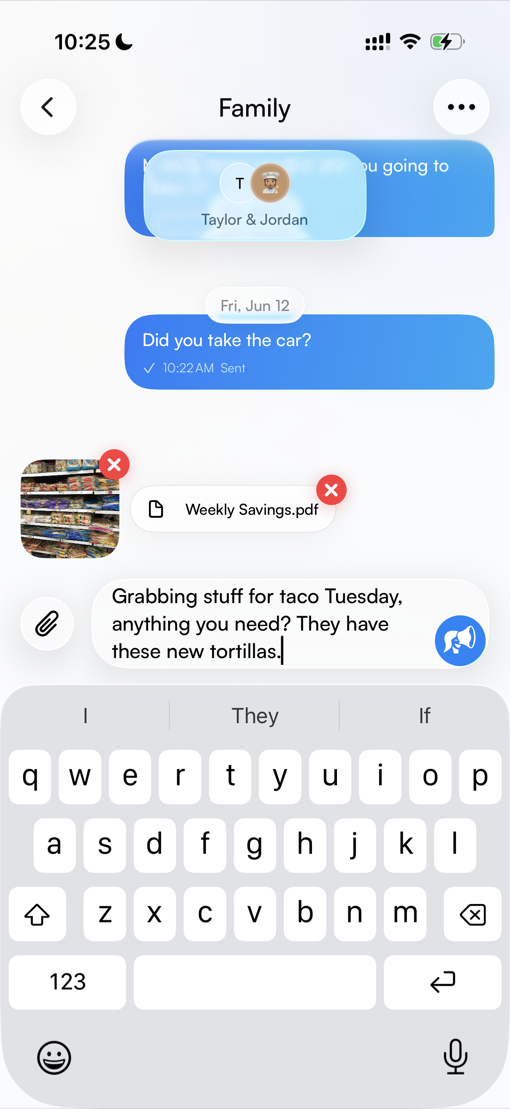
PDFs, photos, and links will all go out with every message.
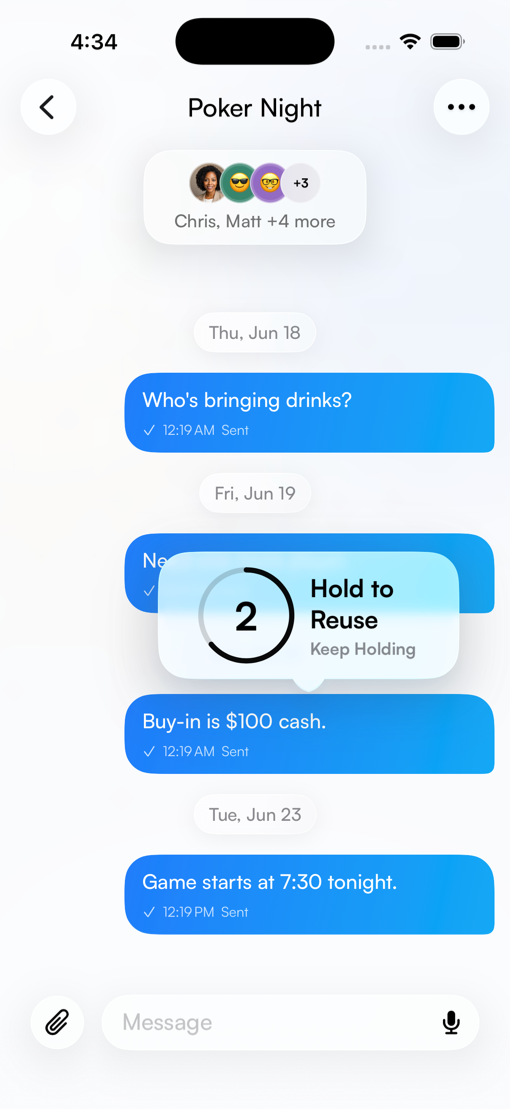
Reuse any past update instantly.
Why it helps
Some messages belong in a group chat. Others work better when they arrive one-to-one.
Send the same update as separate Apple Messages texts. Replies return in individual Messages conversations, never in Broadcast Buddy or a group chat.
Save the groups you message often, from volunteers and family to clients, teams, and event guests.
Write once, add photos or files if needed, and send to the people you choose.
Keep your groups around so the next message starts faster.
In practice
The dinner moved. The showing time changed. The shift needs one more person. Start with the moment, then send it directly.
FAQ
Need the fuller explanation? Visit the Broadcast Buddy questions and answers.
Broadcast Buddy is currently available for iPhone from the App Store.
Each person receives a separate Apple Messages text and replies in their normal Messages conversation. Replies never appear in Broadcast Buddy or a shared group chat.
Use it for any repeat list: volunteers, family, teams, clients, event guests, classmates, or anyone you message more than once.
Broadcast Buddy Helper is the iPhone component that prepares each recipient’s message separately, so broadcasts stay one-to-one. Replies remain in each recipient’s normal Messages conversation, not in Broadcast Buddy or a group chat.
Download the app
Download Broadcast Buddy and make repeat messages feel personal again.