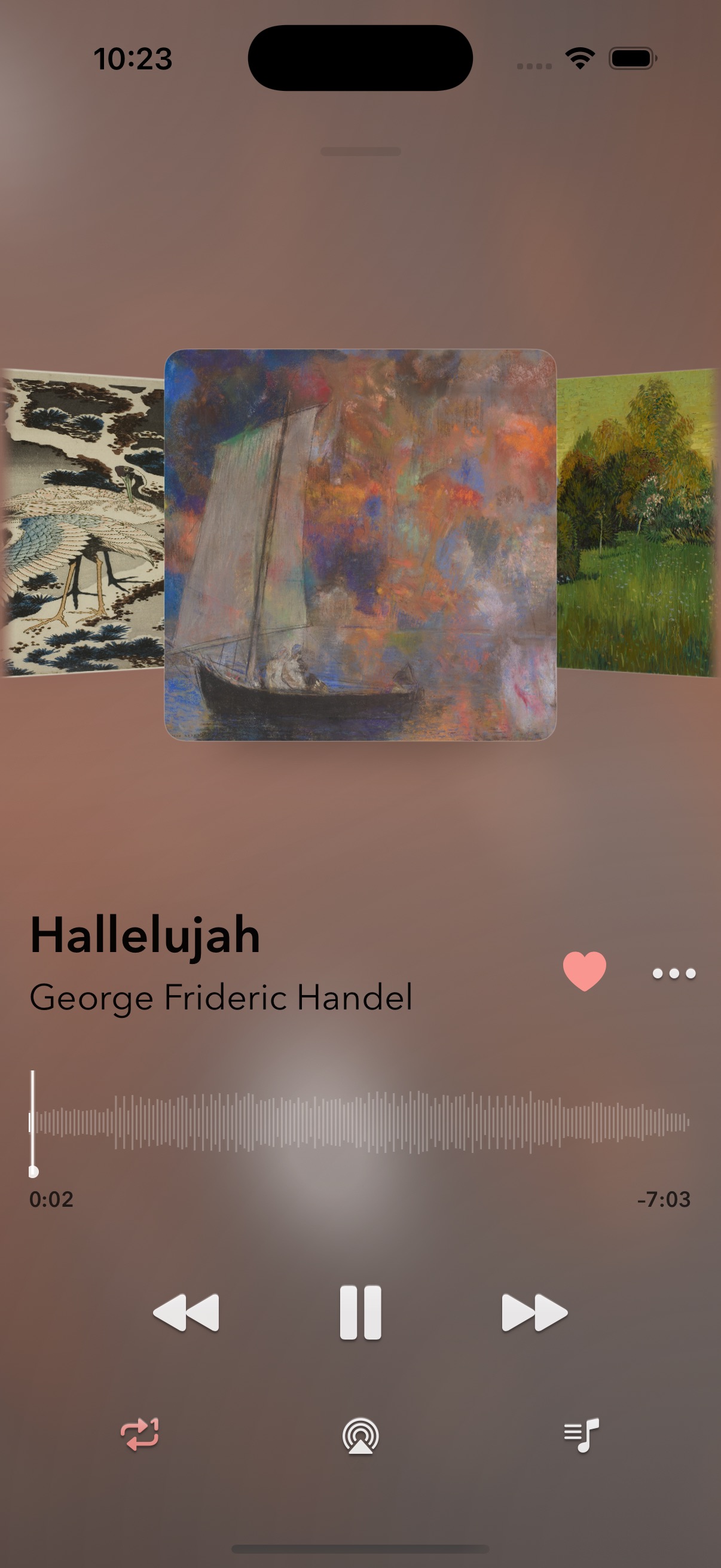
Cover Flow,
now playing.
The player turns the queue into a gallery you can feel.
 Interlude
Plex Music
Interlude
Plex Music
Interlude for Plex
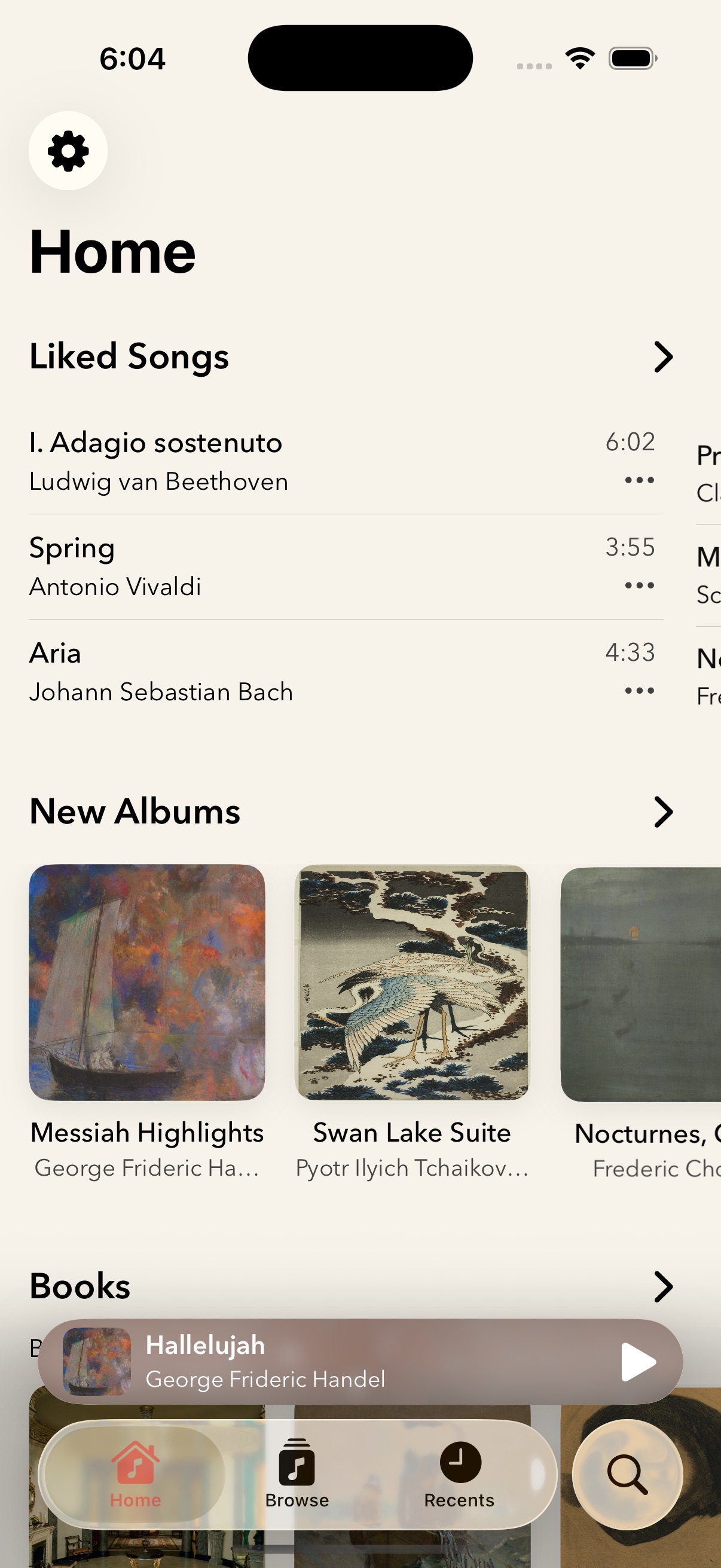
A calm home for your library, with playback already live.
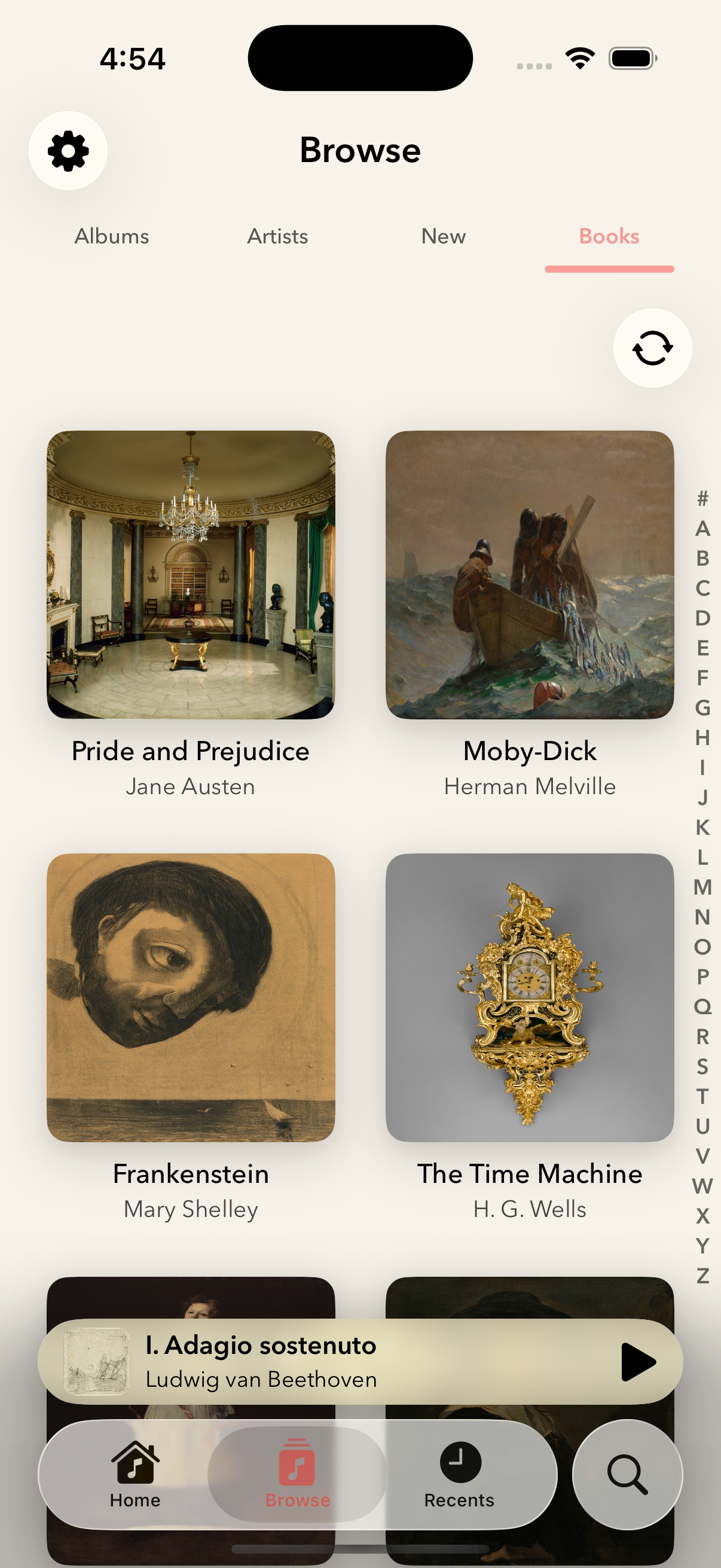
Sign into Plex and move through your albums, artists, books, and recent listening in one focused iPhone app.

The player turns the queue into a gallery you can feel.
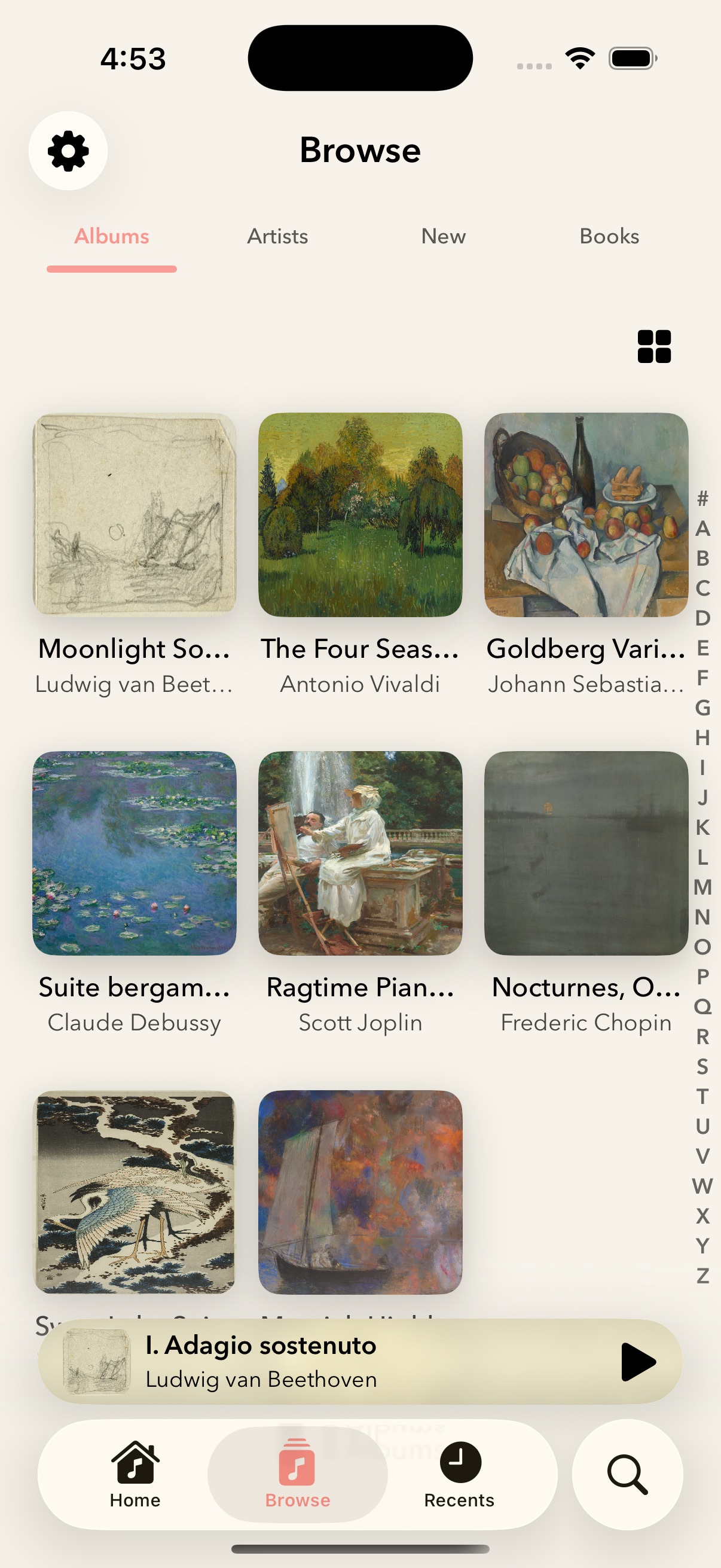
Large libraries stay visual, fast, and spatial.
One place for every way you remember what to play.
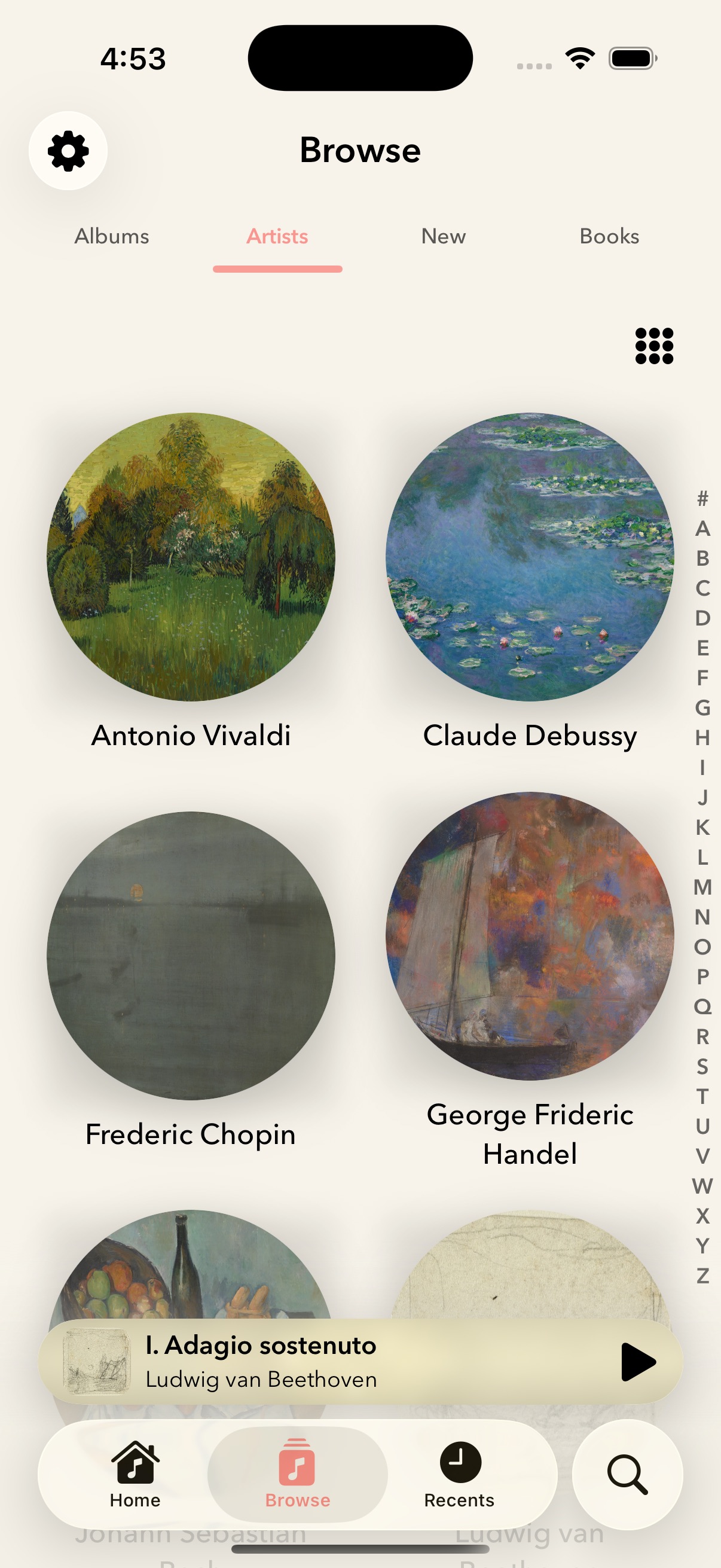
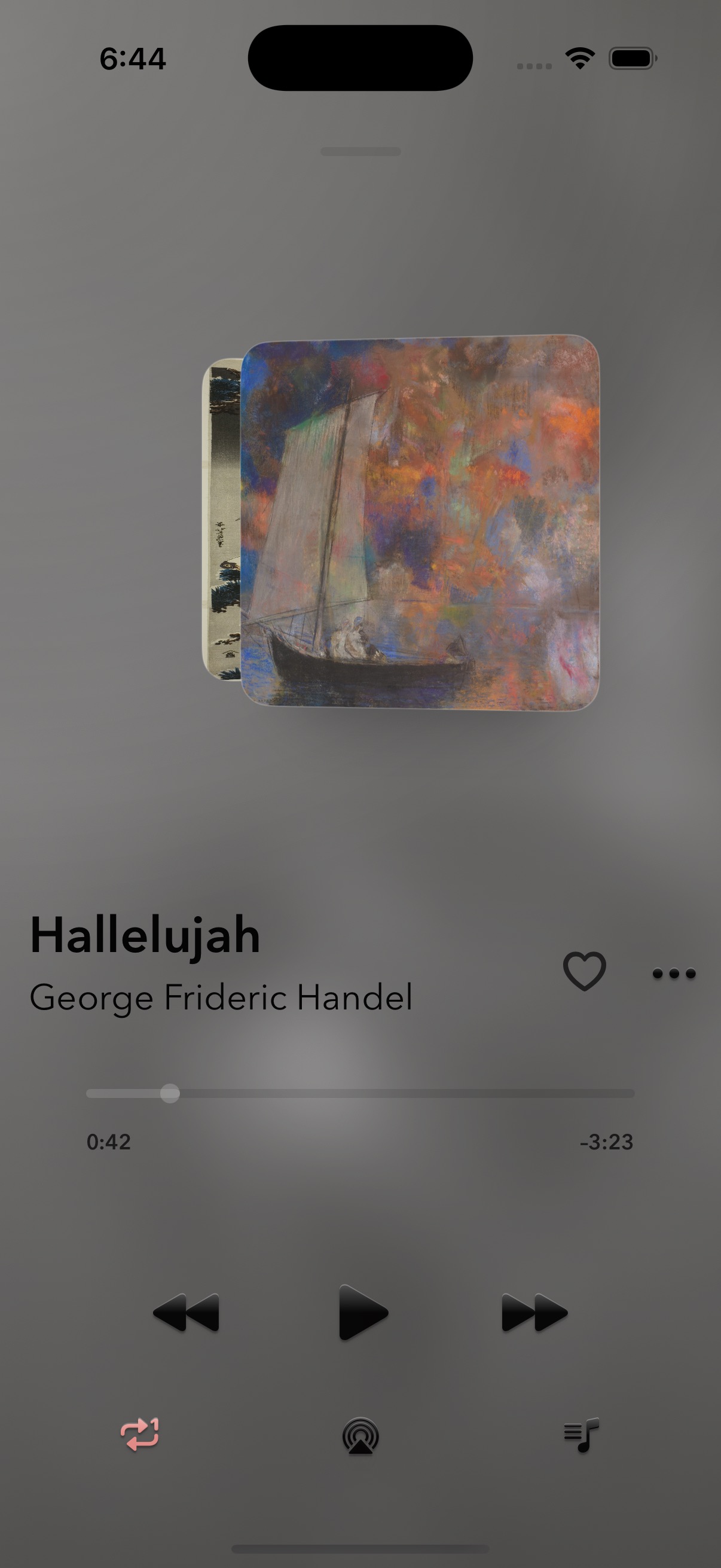
Artwork, queue controls, ratings, and AirPlay stay within reach.
CarPlay, shortcuts, widgets, and every surface in tune.
Why it helps
Interlude is not trying to replace your library. It gives your Plex audio library a dedicated iPhone listening surface.
Sign in, choose your server, pick an audio library, and browse the music you already keep in Plex.
Audio stays in a local cache so playback can stay responsive without pushing large files to iCloud.
Queue editing, shuffle, repeat, remote commands, Now Playing, AirPlay, CarPlay, and a widget are part of the app shape.
Playlists, favorites, recents, search metadata, and audiobook progress use the app metadata path, with iCloud Documents when available.
FAQ
Yes. Interlude is built around Plex sign-in, server discovery, and Plex audio libraries.
No. The app keeps audio bytes in the local audio cache. App metadata can use iCloud Documents when available.
Interlude discovers book-like Plex audio libraries and can store chapter progress for audiobook playback.
Interlude is currently an iPhone app on the App Store.
Download the app
Download Interlude and turn your Plex audio library into a focused iPhone listening app.